Visual Scripting Tutorial (Logic Bricks)
Visual Scripting Tutorial (Logic Bricks)
Quest Introduction
Learn the basics of Cave Engine’s visual logic system. This beginner-friendly text course will guide you through Logic Bricks, player movement, animations, collectable items, UI counters, buttons, platforms, and simple gameplay interactions without writing Python code.
Prerequisites Required
Complete these quests before starting:
Cave: Getting Started Guide
Start learning Cave Engine from zero. This beginner-friendly text course will guide you through the editor, the basic workflow, and the main tools you need to understand before creating your own 3D games.
View QuestFollow this quest with a free account
Log in or sign up to subscribe, track lesson progress, and unlock more learning content.
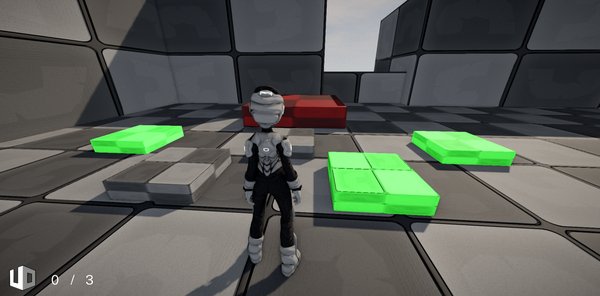
Learn how to create real gameplay mechanics in Cave Engine using Logic Bricks, without writing Python code.
In this quest, you will build a small playable example while learning the fundamentals of Cave’s visual logic system: how to connect events, conditions, actions, properties, functions, and entity communication to bring your game ideas to life.
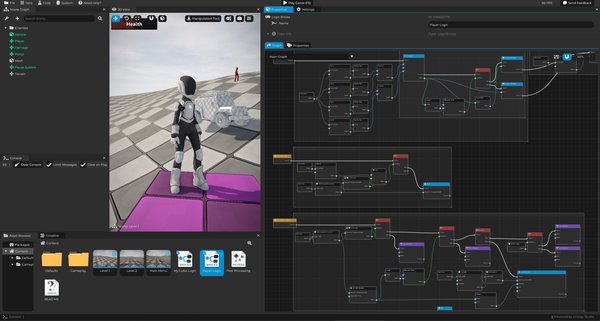
You will create player movement, jumping, animations, collectable items, UI counters, doors, buttons, and a platform activation system, all using visual logic.
By the end, you will have a practical foundation to start building your own gameplay systems with Logic Bricks in a clean and organized way.