Cave: Terrain System Introduction
Cave: Terrain System Introduction
Quest Introduction
Learn how to create terrains in Cave Engine, sculpt environments with terrain brushes, configure materials, paint texture layers, and distribute vegetation, rocks, and other assets to build richer and more natural 3D worlds.
Prerequisites Required
Complete these quests before starting:
Cave: Getting Started Guide
Start learning Cave Engine from zero. This beginner-friendly text course will guide you through the editor, the basic workflow, and the main tools you need to understand before creating your own 3D games.
View QuestFollow this quest with a free account
Log in or sign up to subscribe, track lesson progress, and unlock more learning content.
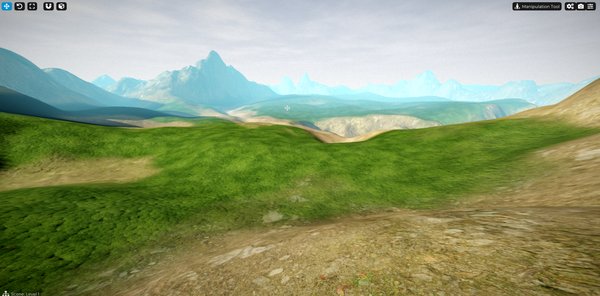
In this Quest, you will take your first steps with Cave Engine’s Terrain System and learn how to build richer, more natural 3D environments directly inside the editor.
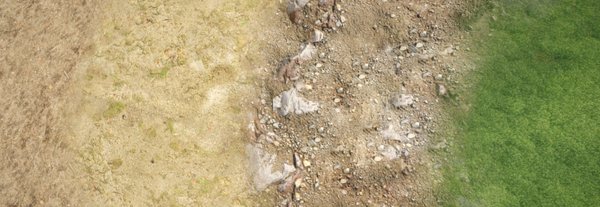
Across the lessons, you will create a terrain from scratch, understand the Terrain Tool, use the main sculpting brushes, shape elevations and depressions, configure terrain materials, organize Layers, and paint different textures across the surface.
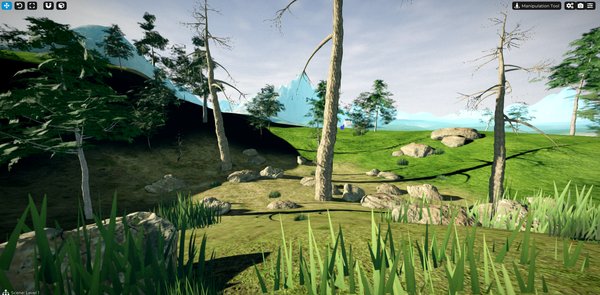
You will also learn how to use Geometry Paint to quickly distribute vegetation, rocks, trees, and other assets over the terrain, helping you create more detailed and believable environments without placing every object manually.
By the end of this Quest, you will have a solid foundation for creating complete terrains that are ready to receive buildings, characters, gameplay objects, roads, paths, and all the other elements of your game world.